







Multimedia_Digital_Conference_Unit_VIS_DMD_T_User_Manual_V2.0
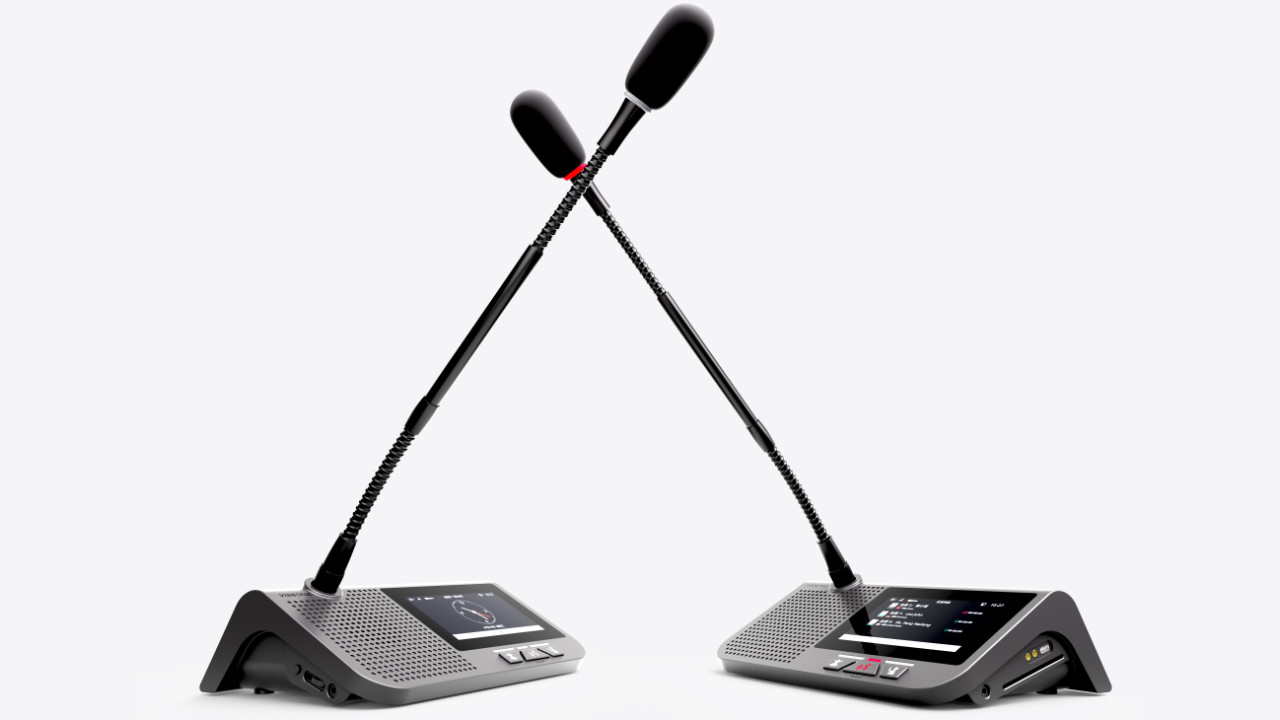
This manual mainly describes the use, performance parameters and troubleshooting of VISSONIC VIS-DMD-T all-in-one touch screen conference unit.
1. Product Overview .......................................................................................................................................................5
1.1 Product description and layout .........................................................................................................................5
1.2 Product connection diagram .............................................................................................................................8
2. Basic functions ........................................................................................................................................................... 9
2.1 Home screen information display .................................................................................................................... 9
2.2 Speech timing and request ..............................................................................................................................10
2.3 Unit language and luminance settings ........................................................................................................... 10
2.4 Unit EQ settings and unit information display ...............................................................................................11
2.5 Call service ..................................................................................................................................................... 11
2.6 Conference mode ............................................................................................................................................11
3. Unit ID settings, unit type settings, and authority settings ...................................................................................... 14
3.1 Editing unit ID ................................................................................................................................................14
3.2 Unit type settings ............................................................................................................................................14
3.3 Unit authority settings .................................................................................................................................... 15
3.4 Microphone status indication ......................................................................................................................... 15
4. Optional functions .................................................................................................................................................... 16
4.1 IC card sign-in and information display function (software license model: VIS-LIDEN) ........................... 16
4.2 Voting function (software license model: VIS-LVOTE) ............................................................................... 16
4.3 Dual 64-channel selector software module (software license model: VIS-LLGE) .......................................18
4.4 Dual-user software (software license model: VIS-LDUAL) .........................................................................19
5. Upper computer software settings ............................................................................................................................20
5.1 Software connection ....................................................................................................................................... 20
5.2 Basic configuration .........................................................................................................................................21
5.3 Information uploading ....................................................................................................................................21
5.4 Display of person requesting to speak ........................................................................................................... 22
5.5 Dynamic text .................................................................................................................................................. 22
6. Debugging ................................................................................................................................................................ 2