







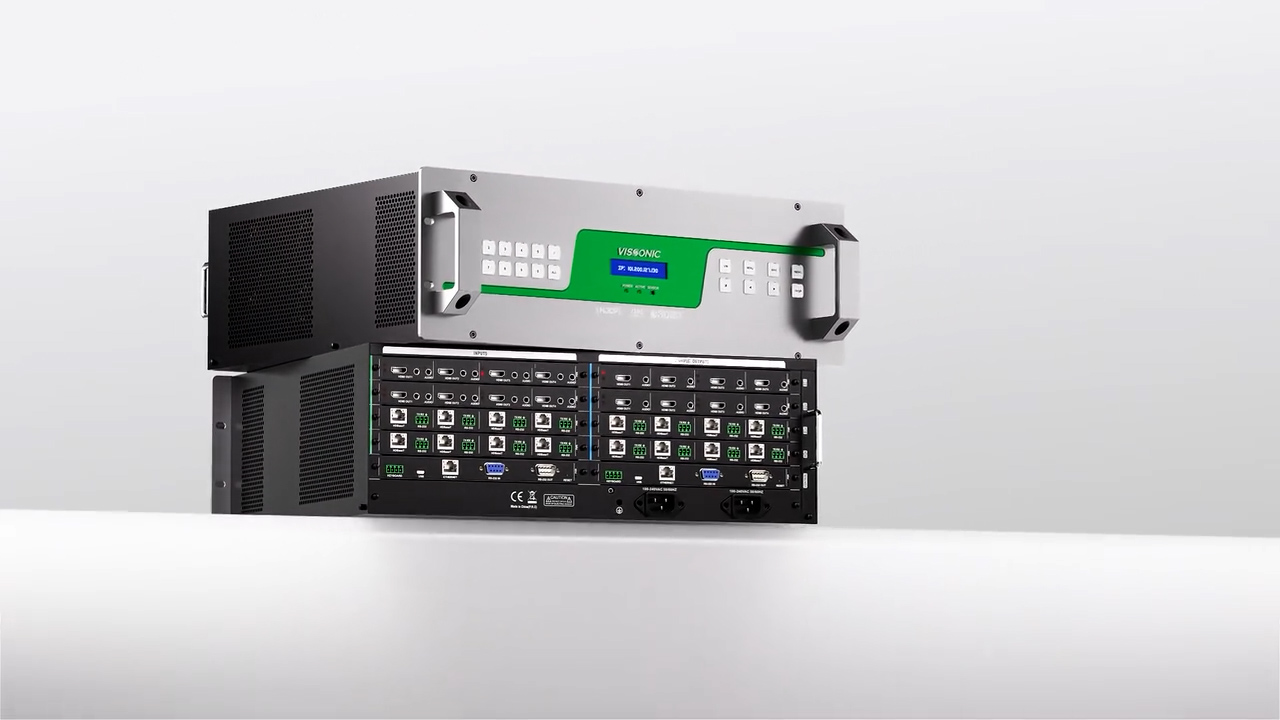


VIS-CRS020304-B_Conference_Auto_Tracking_Recoder_User_Manual_V1.0
This manual mainly describes the use, performance parameters and troubleshooting of VIS-CRS02/03/04-B Conference Auto Tracking Recorder.
1. Product description ......................................................................................................................... 8
2. Commissioning of the recorder .................................................................................................... 11
3. Functions of the controller and operating instructions .................................................................12
3.1. Main Interface. ...................................................................................................................12
3.1.1. User interface ..........................................................................................................12
4. Specification Parameter ................................................................................................................ 14
4.1.1. Main interface .........................................................................................................15
4.2. Monitoring interface .......................................................................................................... 15
4.3. Video Input Channel .......................................................................................................... 16
4.3.1. Channel interface ....................................................................................................17
4.3.2. Channel Settings ..................................................................................................... 17
4.4. PTZ control ........................................................................................................................ 22
4.5. Guide function ................................................................................................................... 23
4.5.1. Screen Split/Switching Effects ............................................................................... 23
4.5.2. Sound control/subtitles ........................................................................................... 24
4.5.3. Station label/OSD information/time .......................................................................25
4.5.4. Mainframe working status ......................................................................................27
4.5.5. Beginning and ending of video .............................................................................. 27
4.5.6. Video settings ..........................................................................................................28
4.5.7. One-touch start ....................................................................................................... 28
4.6. System function ................................................................................................................. 29
4.6.1. System Menu .......................................................................................................... 29
4.6.2. Channel ................................................................................................................... 30
4.6.3. File manager ........................................................................................................... 33
4.6.4. Safeguard ................................................................................................................ 34
4.7. Set up ................................................................................................................................. 36
4.7.1. Video Settings .........................................................................................................36
4.7.2. Guide settings ......................................................................................................... 40
4.7.3. Live streaming settings ...........................................................................................44
4.7.4. Management Platform ............................................................................................ 46
4.7.5. Users and login ....................................................................................................... 46
4.7.6. Date and time ..........................................................................................................47
4.7.7. Disk and Storage .....................................................................................................48
4.7.8. Networks and Services ........................................................................................... 48
4.7.9. Engineering Settings ...............................................................................................51
4.7.10. Installation and commissioning ............................................................................55