



7 Essential Audio-Visual Components para un Profesional Sala de Conferencias
UN well-equipped Sala De Reuniones es essential Para seamless communication y productive meetings. Audio-visual (AV) components play UN significant role En creando UN profesional setup, ensuring all participants can see, hear, y engage effectively. Este article discusses El seven must-tener
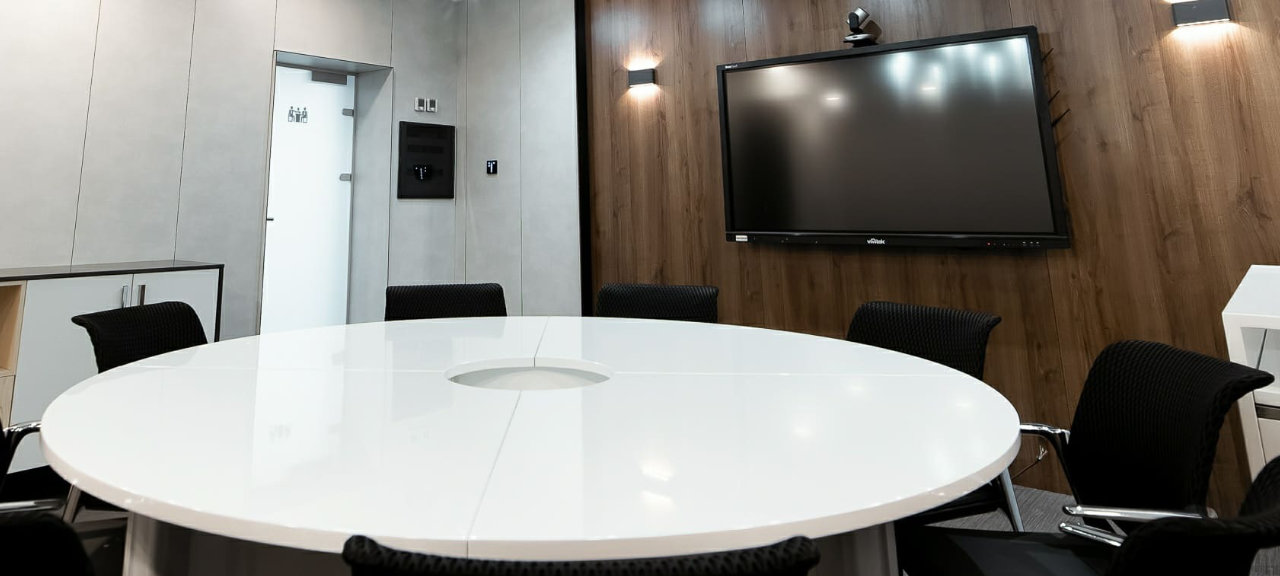
1. High-Resolution Display Screen
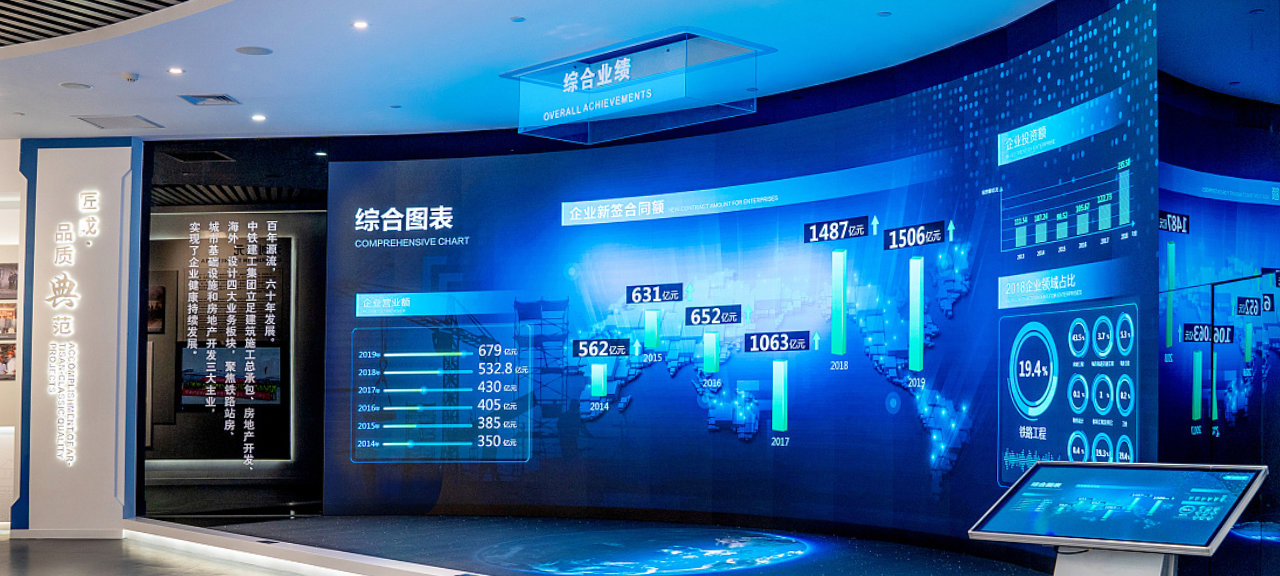
UN high-resolution
Key Features: Look Para UN display Con good contrast, brightness settings, y connectivity options like HDMI, VGA, o wireless screen mirroring UN accommodate various devices.
2. Quality Audio Sistema
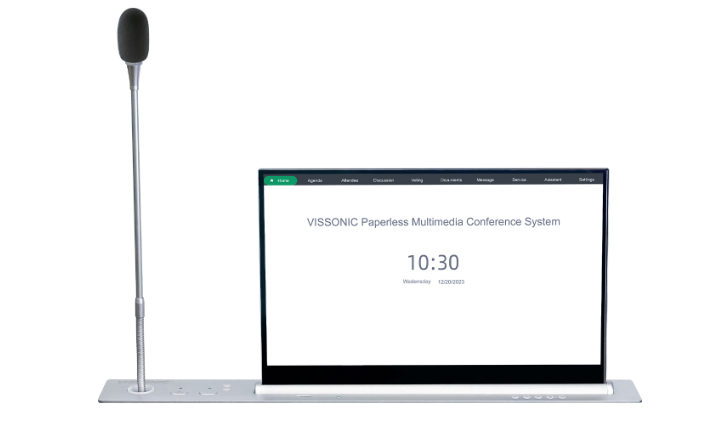
Audio clarity es crucial En UN Sala De Reuniones setting. UN good audio Sistema ensures ese everyone En El room can hear clearly, haciendo Ello essential Para presentations, video calls, y discussions. Invest En high-quality speakers, ideally ceiling-mounted o wall-mounted, UN avoid obstructions. Soundbars Con built-En microphones can también ser efectivo En smaller rooms.
Tip: Test El audio quality en different spots En El room UN ensure sound es distributed evenly, y consider acoustics UN reduce echoes o background noise.
3. Video Conferencing Camera
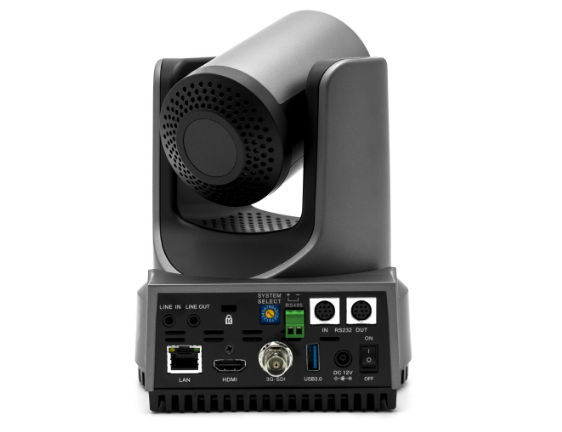
UN high-definition video conferencing camera enables remote participants UN join meetings Con clear visuals, haciendo Ello essential Para hybrid meetings. Look Para UN camera Con UN wide-angle lens ese captures El entire room, especially if usted tener UN grande Conferencia table. Algún cameras también include tracking features ese focus en El active speaker, enhancing El remote viewing experience.
Recommendation: Choose UN camera Con en least 1080p resolution y built-En autofocus Para optimal clarity. Para larger rooms, consider UN PTZ (pan-tilt-zoom) camera UN proporcionar flexibility En capturing all attendees.
4. Microphone Sistema
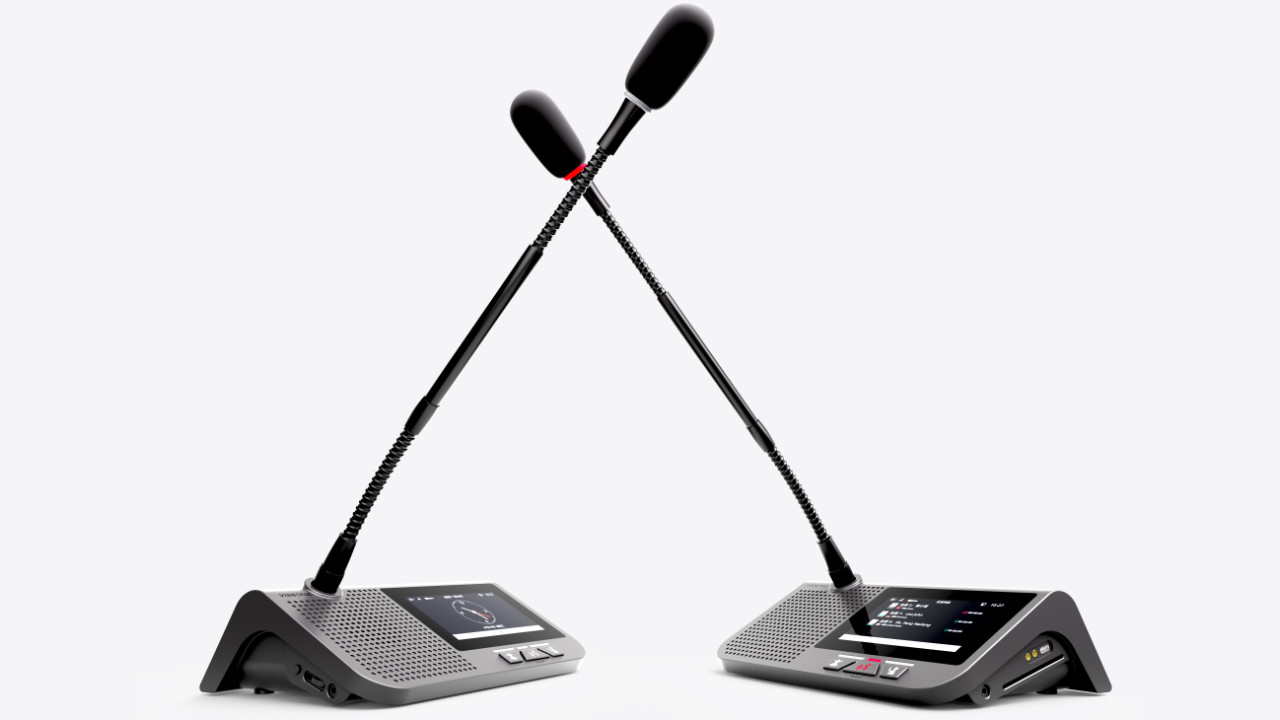
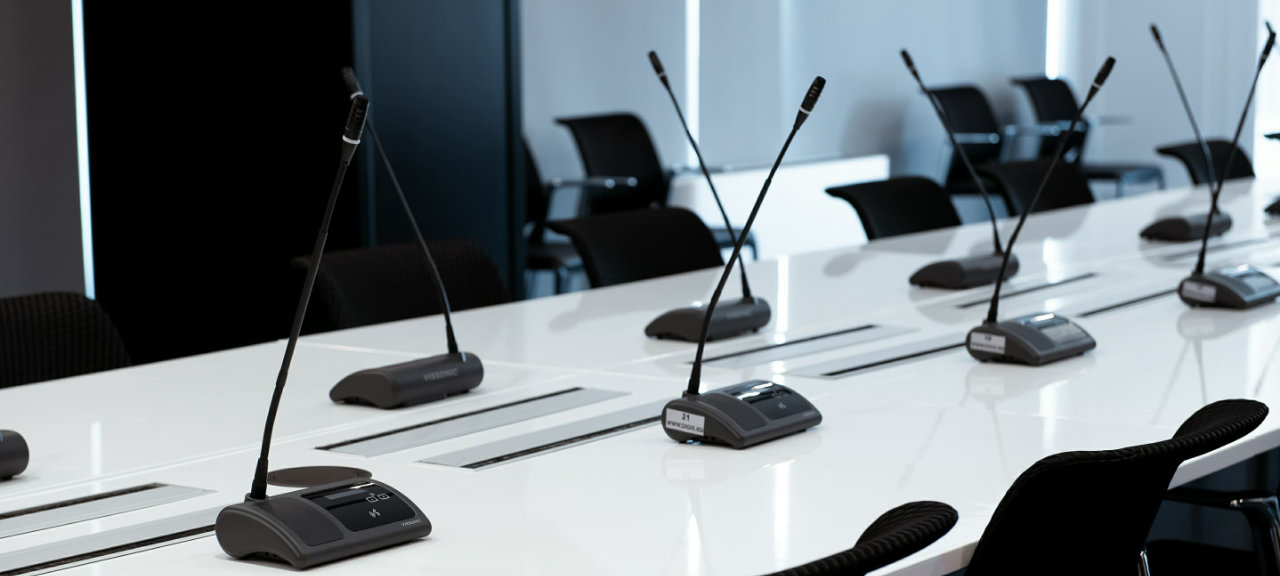
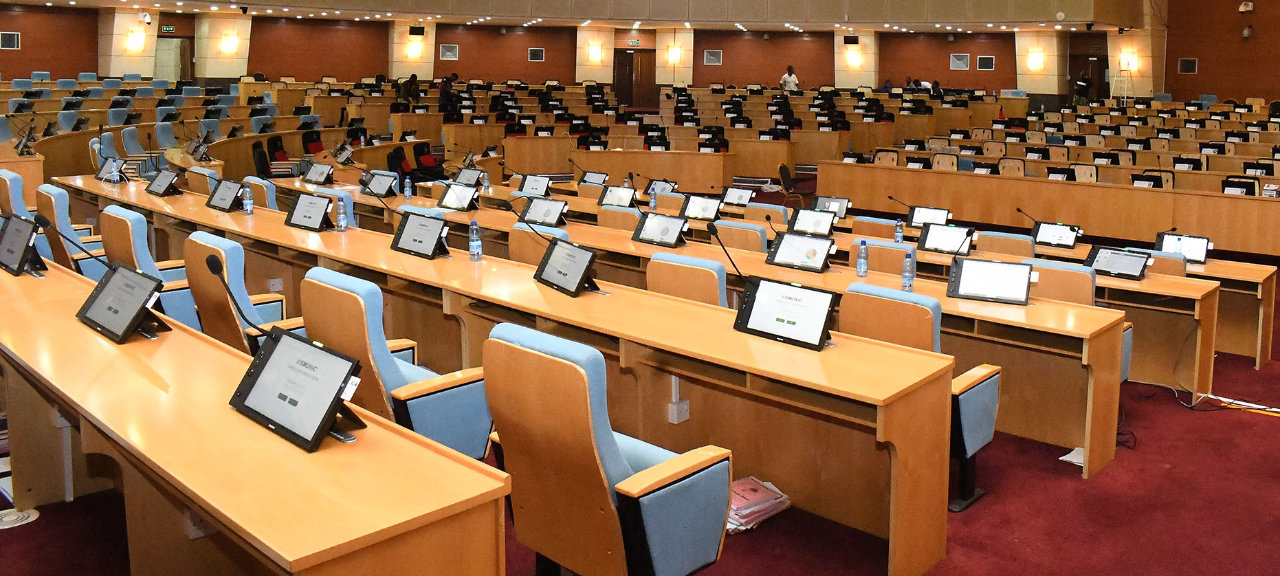
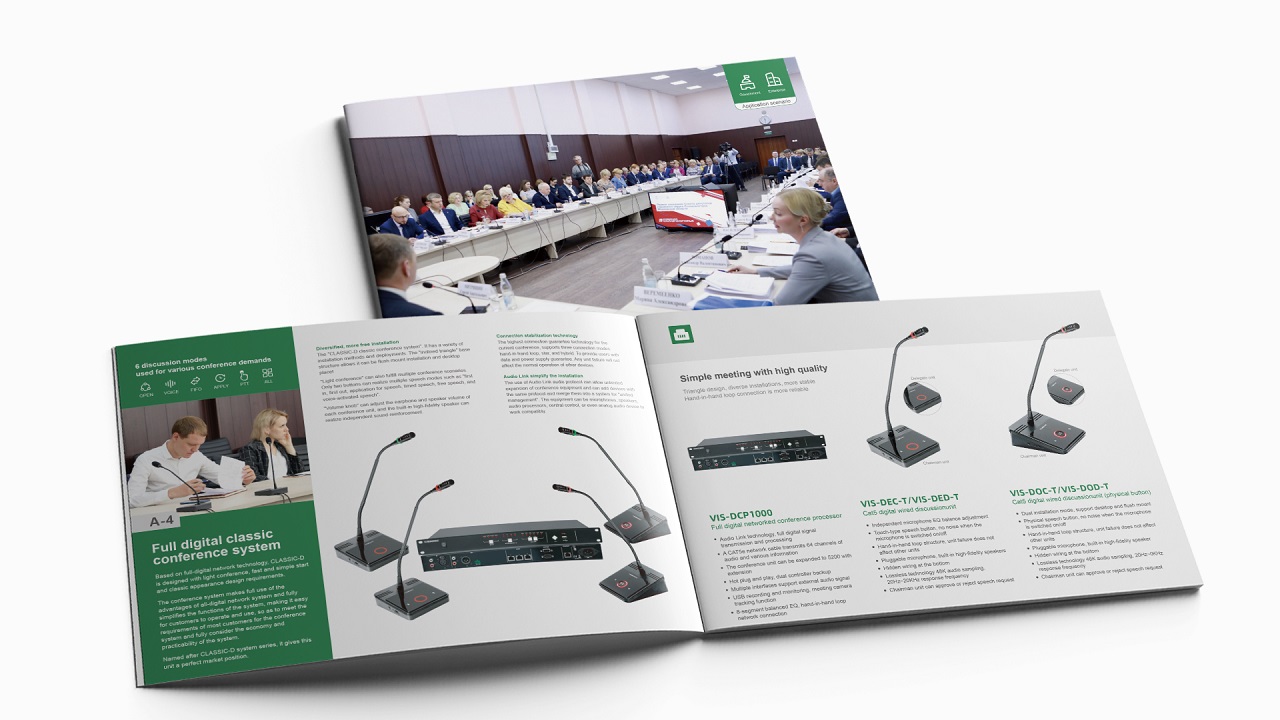
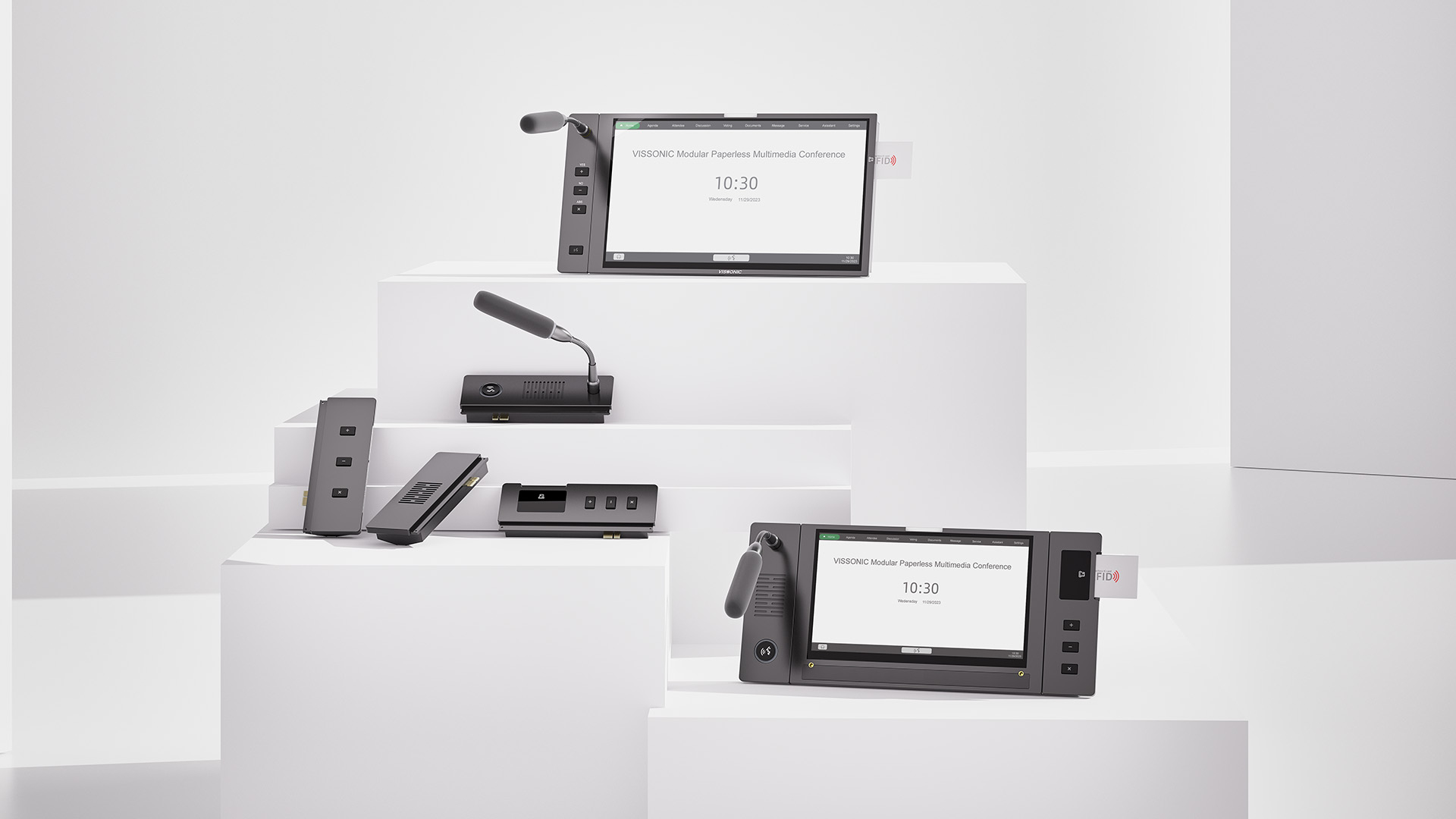
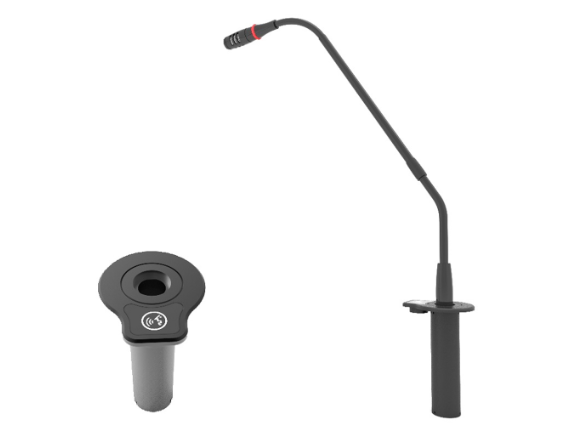
UN reliable microphone Sistema ensures clear communication Para both En-room y remote participants. Sala De Reuniones microphones come En various types, such as table-mounted, ceiling-mounted, y wireless options. Table-mounted omnidirectional microphones capture sound from all directions, haciendo ellos ideal Para group discussions. Ceiling-mounted microphones ofrecer UN cleaner setup, as Ellos son discreet y reduce clutter.
Consideration: Choose
5. Interactive Whiteboard o Digital Display
Interactive whiteboards o Digital displays allow participants UN brainstorm, hacer notes, y engage En real-time. Ellos enable collaboration por letting users draw, write, y highlight directly en El screen, que es beneficial Para brainstorming sessions o project planning. Many Digital displays support remote sharing, enabling virtual attendees UN contribute from su devices.
Feature UN Look Para: UN touchscreen display Con multi-user functionality es ideal Para larger teams, as Ello enables multiple people UN interact Con El board simultaneously.
6. Wireless Presentation Sistema
UN wireless presentation Sistema allows participants UN connect su devices UN El display without needing physical cables. Este eliminates clutter y hace Ello easier Para different presenters UN switch between devices. Soluciones like Barco ClickShare, Crestron AirMedia, o even built-En screen mirroring en smart displays allow Para UN seamless, cable-free presentation experience.
Benefits: Wireless sistemas improve accessibility Para all participants, support quick device switching, y reduce setup time, haciendo meetings más eficiente.
7. Room Control Sistema
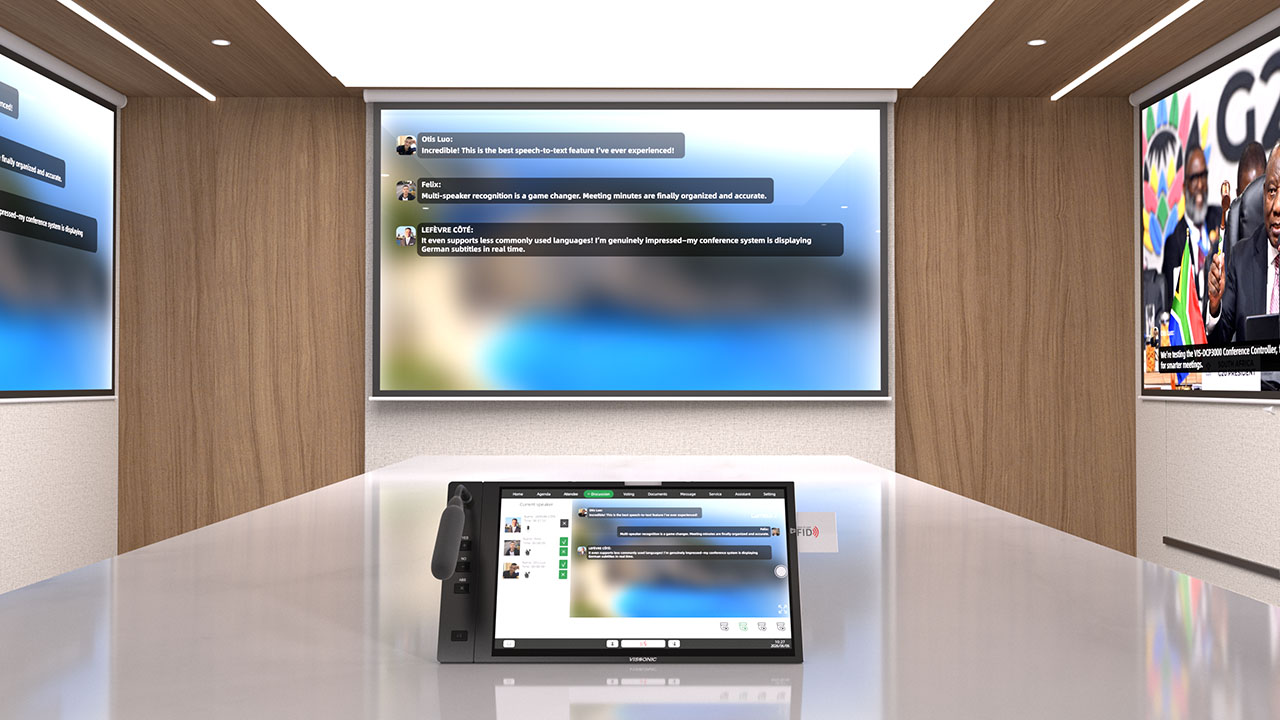
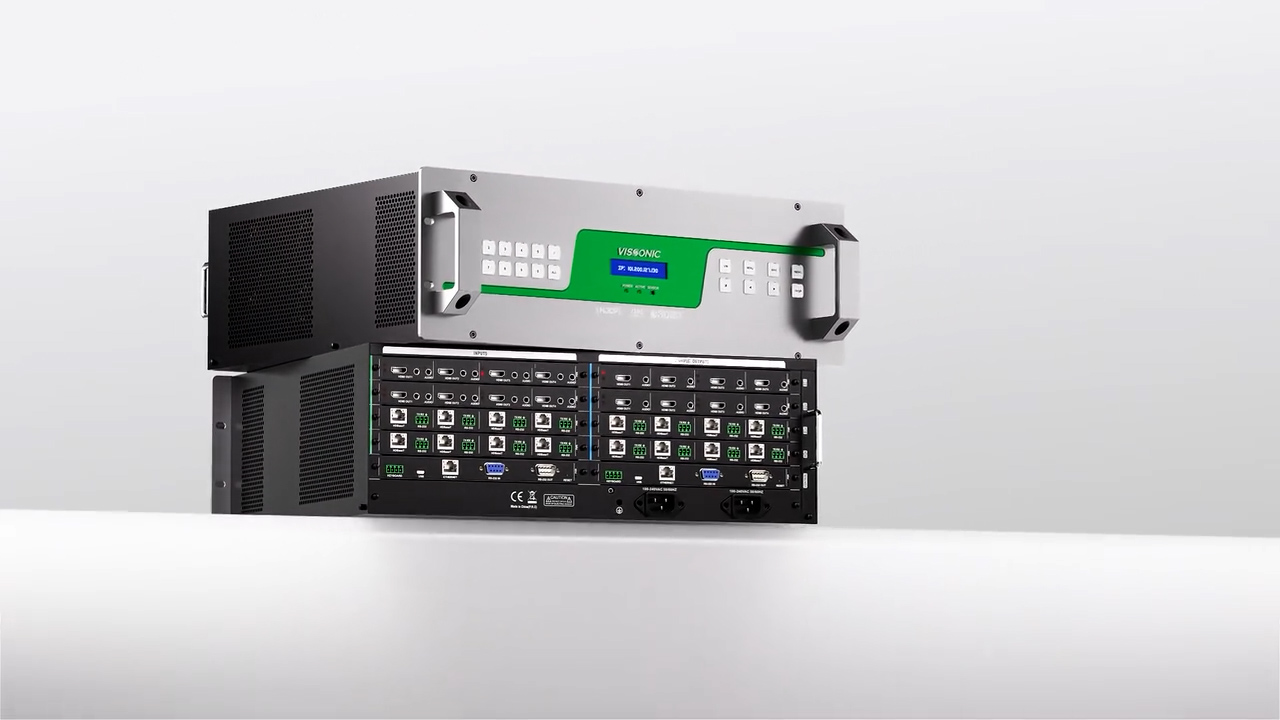
UN room control Sistema centralizes El management of AV components, lighting, y climate control, haciendo Ello easier UN crear El perfect environment Para meetings. Estos sistemas, such as Crestron o AMX, often come Con touch panels ese allow users UN adjust screen settings, audio levels, y room lighting Con ease. Algún sistemas también include scheduling capabilities, ayudando teams reserve El room efficiently avoid double bookings.
Advantages: UN centralized control Sistema simplifies El cumpliendo setup process, allowing quick adjustments without needing UN handle cada device manually.
Frequently Asked Questions Sobre AV Sala De Reuniones Components
Qué display size es ideal Para UN Sala De Reuniones?
El ideal display size depends en El room's dimensions. Para small rooms, UN 55-inch display might ser sufficient, while larger rooms may need un 85-inch screen o UN projector Para optimal visibility. Aim Para UN screen size ese allows all participants UN view El content comfortably.
Hacer Yo need both microphones y speakers?
Sí, having both ensures ese audio es clear Para all participants. Microphones capture voice input, while speakers broadcast sound. Quality audio equipo improves En-room y remote communication.
Cómo Hacer Yo choose UN video conferencing camera?
Consider El room size, participant seating arrangement, y camera features. Para larger rooms, UN PTZ camera Con wide-angle lenses y auto-tracking can proporcionar UN comprehensive view of El cumpliendo space. Para smaller rooms, UN fixed 1080p camera es often sufficient.
Conclusion
Equipping UN Sala De Reuniones Con El right audio-visual components enhances productivity, facilitates collaboration, y crea UN profesional atmosphere. From high-quality displays y audio sistemas UN interactive whiteboards y control sistemas, cada component plays UN crucial role En El overall experience. Investing En El right AV setup ensures su Sala De Reuniones es ready UN support efectivo communication, whether Para En-person o remote meetings.